Switching limo dispatch software does not have to cost your business a single reservation. The process takes 2 to 4 weeks. It spans three phases: data export, parallel running, and live cutover. This guide is for North American limo operators ready to upgrade. Limo Captain walks operators through every step with structured onboarding and zero reservation gaps.
Key Takeaways
• Export at least 90 days of active reservation history before decommissioning the old platform.
• Run both systems in parallel for at least 14 days before cutover.
• Payment gateway migration typically delays cash flow by 1 to 3 business days during settlement.
• Automated dispatch eliminates double bookings and scheduling errors — configure it from day 1.
• Limo Captain guides North American operators through a 5-step onboarding process with zero reservation gaps.
Before You Start
Switching limo dispatch software is not a weekend project. Done correctly, it takes 2 to 4 weeks. Done poorly, it means lost bookings, broken payment processing, and driver confusion.
Before starting, confirm admin access to both platforms and a full data backup. Choose a low-demand cutover date.
What You Need
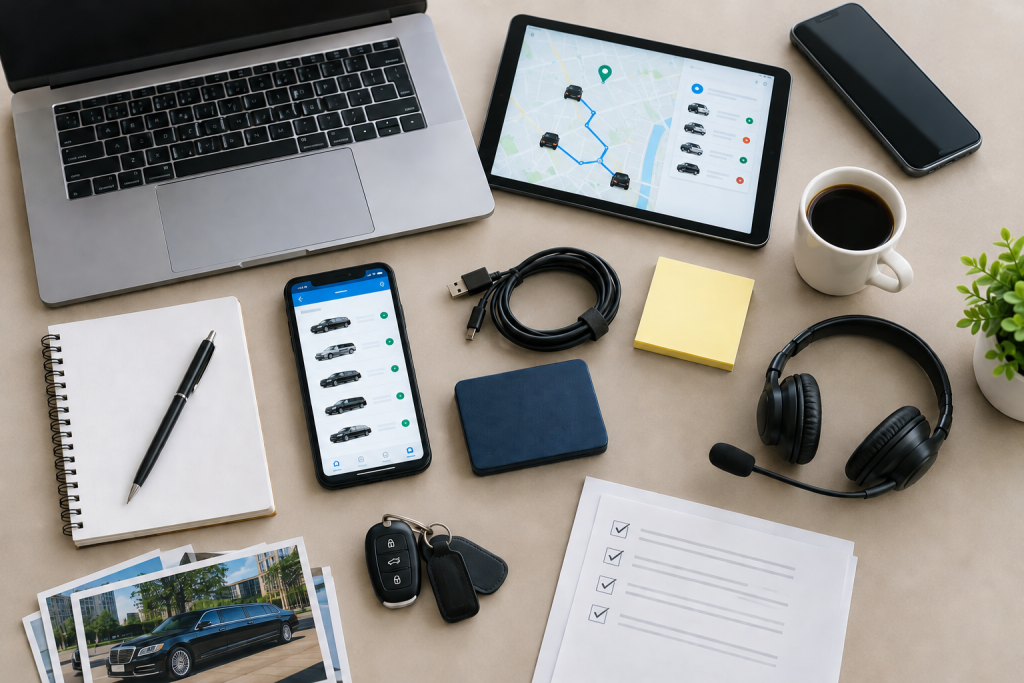
Tools and documents required before migration:
• Admin login credentials for the existing dispatch platform
• Full customer and corporate account export — CSV or spreadsheet format
• Active reservation list covering the next 60 days minimum
• Driver profiles: name, licence number, vehicle assignment, and pay rate
• Vehicle records: make, model, registration, and insurance details
• Payment gateway credentials and merchant account provider contact
• Bank account details for payment processing setup on the new platform
• A secondary device for running parallel testing
Safety and Prerequisites
Do not cancel the existing platform before confirming all data has migrated successfully. Do not migrate during peak season, prom week, or any corporate event cluster.
Confirm your payment gateway stays active through the transition. A lapse creates a cash flow gap. Verify the new limo dispatch software integrates with your credit card terminal. Test with a real transaction before processing any client payments.
Step-by-Step: Pre-Switch, Cutover, and Post-Switch Checklist
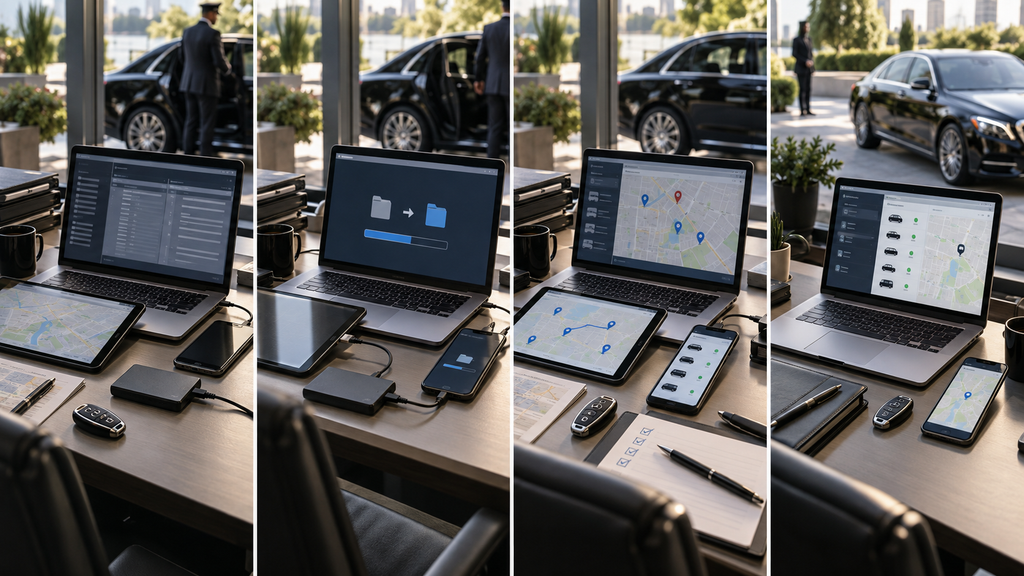
This checklist covers three phases: pre-switch preparation, live cutover, and post-switch verification. Complete each step in order. Confirm the result before moving to the next step.
For a side-by-side comparison of platform capabilities before you choose, limo dispatch software vs limo booking software explains the key operational differences.
| Phase | Step | Action | Verify |
| Pre-switch | 1 | Export all reservation, driver, and vehicle data | Files received and all records readable |
| Pre-switch | 2 | Import data and configure new platform | All data visible and correctly formatted |
| Cutover | 3 | Migrate payment gateway and test transaction | First card payment settles in 1-3 days |
| Post-switch | 4 | Run parallel for 14 days then decommission | No active bookings remain in old system |
Step 1 — Export Your Data and Verify Completeness
Log into the existing dispatch platform. Export all active reservation data, driver profiles, vehicle records, and corporate account billing details. Include at least 90 days of booking history.
Download each file and open it immediately to confirm the data is readable. Cross-reference the export record count against the total shown in the old platform dashboard. If the counts do not match, do not proceed.
Contact the old platform support team and resolve the discrepancy before moving forward.
Step 2 — Import Data and Configure the New Platform
Upload exported files into the new limo dispatch software. Start with driver profiles and vehicle records. Then import active reservations. Configure dispatch rules, automated notifications, and driver app settings.
For a checklist of what the new system should include, top features to look for in limo dispatch software covers the key configuration requirements.
Test the booking process with a dummy reservation. Confirm all data is visible and correctly formatted. Check that automated dispatching is assigning trips based on driver availability and proximity.
If It Does Not Work First Time
Do not delete the import files. Check the file format — the new platform may require CSV rather than Excel. Confirm column headers match the import template exactly. Re-export from the old system if field names are mismatched.
Contact the onboarding team with the specific error message before attempting a second import.
Most Common Cause
A date format mismatch is the most common cause of first-attempt import failures. Old platforms may export dates as DD/MM/YYYY. New platforms may require YYYY-MM-DD.
Open the file in a spreadsheet, reformat the date column, and re-attempt the import.
Stop Here if You See This
If the new platform shows fewer reservations than were exported — stop. Do not proceed to cutover. Resolve every missing reservation before going live.
Step 3 — Migrate Your Payment Gateway and Verify Cash Flow
Enter merchant account credentials into the new limo dispatch software. Configure payment processing settings. Run a live test credit card transaction. Confirm funds settle in 1 to 3 business days.
Confirm the new system accepts credit cards, debit cards, and contactless payments. Check that automated invoice generation is active for completed trips.
Review all payment processing fees before going live. Hidden fees from new payment gateway providers affect cash flow. A lapse in payment processing creates a gap that disrupts operations across every account. Do not cut over until a real transaction has settled successfully.
For operators considering a platform that integrates payment processing with fleet management, limo dispatch software modernize fleet operations covers the full integration model.
Step 4 — Finish and Verify
Run both systems in parallel for a minimum of 14 days. Take all new bookings in the new platform only. Confirm drivers are using the new driver app. Confirm automated notifications are reaching clients. Confirm real-time GPS tracking is active for every vehicle.
Operators managing delivery vehicles alongside limo fleets should also review best limo dispatch software for delivery fleets for platform configuration guidance across mixed fleet types.
After 14 days with no active reservations and no outstanding payment issues, decommission the old platform. Cancel the old subscription only after receiving written account closure confirmation.
When DIY Stops Being Sensible
Some migrations exceed what a limo operator can manage alone. Legacy platforms with no export function, and fleets of 50 or more vehicles, increase cutover risk.
A single missed corporate booking during migration can cost more than professional migration support. A payment gateway that lapses for 72 hours disrupts cash flow across every account.
Self-managed migrations most often fail in payment processing setup and driver communication during the parallel-running phase.
The most practical decision is to switch to Limo Captain with guided onboarding — where migration support is built into the process, not charged as an add-on.
What a North America Professional Does Differently

Limo Captain operates across North America. Every dispatch software migration follows a structured 5-step onboarding process. The difference is coverage, not speed.
A professional migration covers:
• Data export verified at the file level — not just the summary count
• Parallel running with live monitoring of both platforms simultaneously
• Payment gateway configured and tested with real transactions before cutover
• Driver app onboarding completed on every chauffeur device before the first live booking
• Post-cutover support available for 30 days
Limo Captain uses automated dispatch to eliminate double bookings and scheduling errors from day 1. Real-time GPS tracking, automated client notifications, and integrated flight tracking are all configured and tested. The old platform is decommissioned only after verification. This is a managed handover — not self-service migration.
Frequently Asked Questions
The questions below cover common searches from North American limo operators considering a platform switch. Each answer stands alone.
How Long Does It Take to Switch Limo Dispatch Software?
Switching limo dispatch software takes 2 to 4 weeks for most North American operators. Allow 3 to 5 days for data export and import. Then run 14 days of parallel testing and 2 to 3 days for payment gateway verification. Operators with larger fleets or complex corporate billing may require additional time.
Will I Lose Reservations When Switching Dispatch Platforms?
You will not lose reservations if the migration checklist is followed correctly. Export all active booking data before starting. Import and verify in the new system before going live. Run both platforms in parallel for 14 days. Do not cancel the old platform until every active reservation appears correctly in the new system.
How Do I Migrate My Payment Gateway When Switching Limo Software?
Obtain your merchant account credentials from the current payment processor. Enter them into the new limo dispatch software during setup. Run a live test transaction and confirm settlement in 1 to 3 business days. If switching payment gateway providers, apply for the new merchant account 5 days before cutover.
What Driver Data Needs to Be Migrated When Switching Dispatch Platforms?
Driver profiles — name, licence, vehicle assignment, pay rate — must be exported and re-imported manually. Most limo dispatch platforms support CSV export for driver records. Confirm the new platform accepts the same fields before starting. Set up and test driver app access on each device before the first live booking.
About Limo Captain
Limo Captain is limo dispatch software serving limousine operators and black car services across North America. The platform integrates dispatch automation, GPS fleet tracking, automated billing, and a driver app.
Limo Captain supports operators from single vehicles through to full commercial fleets. It processes card payments, supports automated invoicing for corporate accounts, and provides 24/7 dispatch support.
For a full comparison of platform capabilities before switching, top features to look for in limo dispatch software covers every key evaluation point.
Service Area
Limo Captain serves limo operators across North America — including Canada and the United States. Supported markets include Toronto, Vancouver, Calgary, Montreal, Ottawa, New York, Los Angeles, Chicago, Miami, and Houston.
The platform is configured for North American card payment networks, tax structures, and applicable transportation regulations. Operators in additional markets should confirm regional compliance requirements during onboarding.
Next Step
Ready to move off your current platform? Follow this checklist and switch to Limo Captain for guided onboarding. The process takes 2 to 4 weeks. Book a free demo to start. Call us: +1 888-545-8881
This document was prepared by the Limo Captain Editorial Team in August 2026. All information is based on publicly available platform data and North American transportation industry practice. Limo Captain is the publisher of this content.