By the Limo Captain Editorial Team | August 2026 | Category: Limo Business Operations | Limo Captain Blog
Key Takeaways
• Switching limo software without a data migration plan risks losing active reservations permanently.
• Export all reservation, client, and driver data from your current platform before cancelling.
• Run both systems in parallel for at least two weeks before fully cutting over.
• Notify drivers, dispatchers, and corporate clients before the switch date.
• The best limo software imports data cleanly. Onboarding and data import support matter as much as features.
• Cloud-based platforms reduce downtime during the transition and allow management from any device.
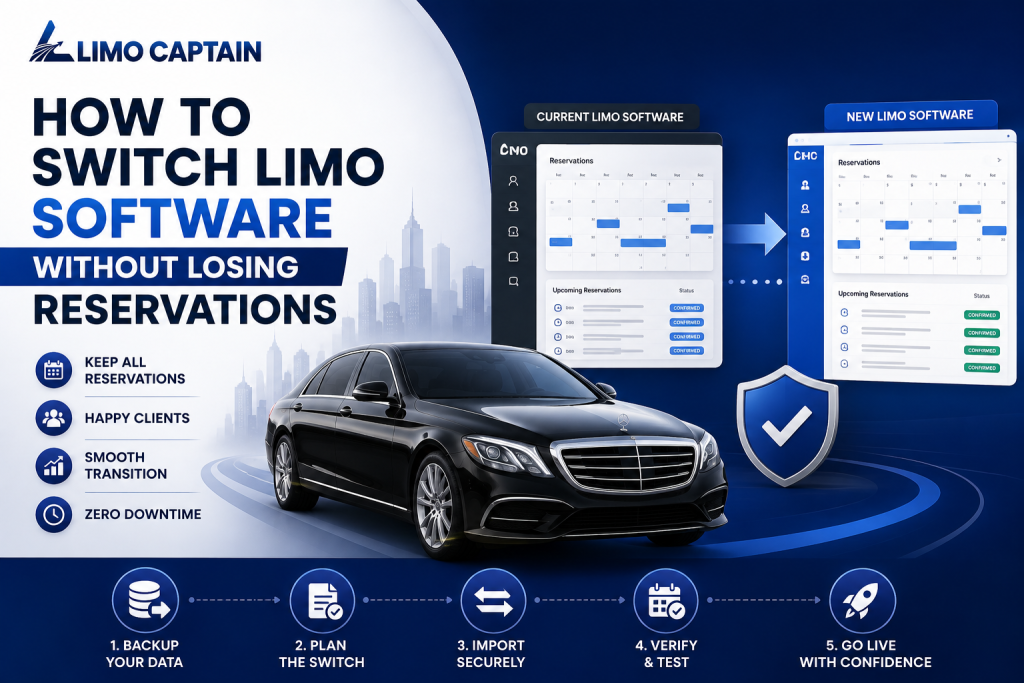
How to Switch Limo Software Without Losing Reservations
Switching limo software is one of the most disruptive decisions a limo business can make. Done poorly, it means lost reservations, confused drivers, and frustrated clients. Done well, it means a stronger platform, better fleet management, and more bookings going forward.
The difference comes down to preparation, data migration, and choosing the right software. This guide walks through the switch step by step. It shows how to protect reservations, drivers, and clients through the entire process.
Whether you run a small fleet or a large limousine company, the same principles apply. The order of steps matters as much as the steps themselves.
Why Limo Operators Switch Software
Most limo operators switch because their current platform is holding the business back. Common reasons include:
• Hidden fees that grow with every added vehicle or driver
• No driver app — or a driver app that performs poorly in the field
• Dispatch software that requires manual steps between booking and assignment
• No fleet tracking, GPS tracking, or vehicle availability monitoring
• Lack of automated notifications for customers or drivers
• Poor reporting tools with no cash flow or fleet utilization data
• No seamless integrations with payment gateways or booking systems
Modern limo software reduces errors and improves communication. Limo software streamlines ground transportation by combining booking, dispatch, and fleet management. Operators on outdated platforms fall behind as market trends shift toward automation and real-time visibility.
The Biggest Risks of Switching Limo Software
Losing Active Reservations
The most critical risk is losing reservations that have not yet been completed. If booking data is not exported and migrated correctly, drivers have no assignments. Corporate clients have no confirmation. The limo business runs blind on its busiest days.
Limo reservation software automates booking and scheduling processes. The reservation system must be fully populated before the old platform is deactivated. Every future booking needs to be visible in the new system from day one.
Driver and Dispatcher Confusion
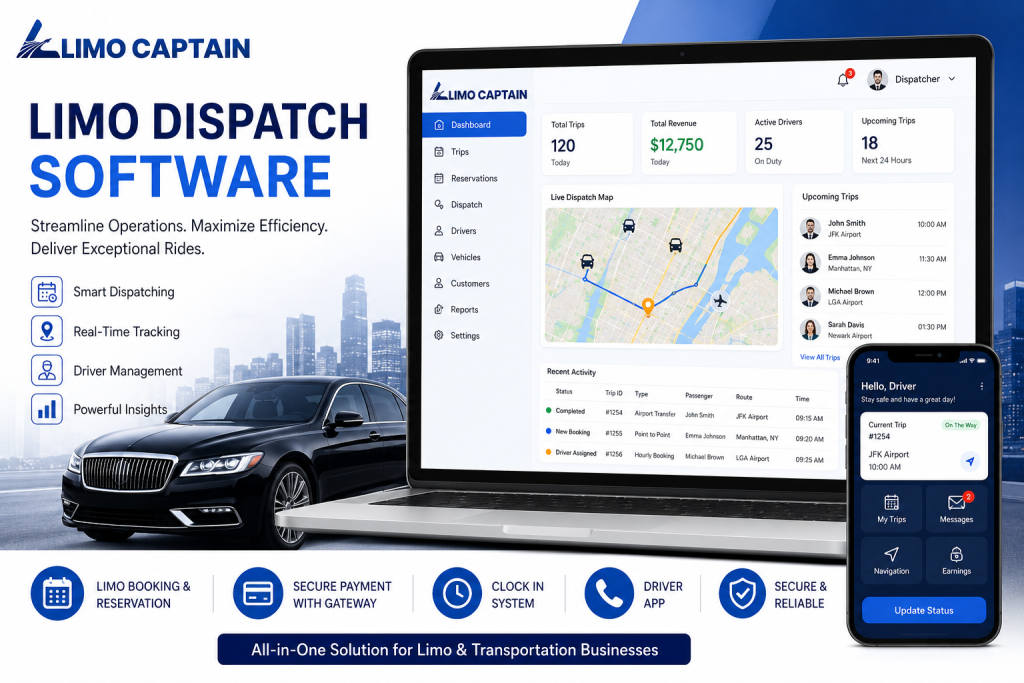
Drivers rely on the driver app for their daily schedule. A poorly communicated switch leaves drivers logging into a platform they have not been trained on. Dispatch software improves communication between drivers and dispatchers. A gap in that communication disrupts the entire fleet.
Dispatchers need time to learn the new dispatch system. Automated dispatch systems assign drivers based on availability, vehicle type, and traffic data. The new platform’s logic may differ from what dispatchers are used to. Training before the cutover date is essential.
Customer Communication Gaps
Customers expect automated notifications throughout their booking and trip. A switch that disrupts this flow erodes customer satisfaction. Limo software can improve customer experience through automated notifications and live tracking. Confirming notifications are active in the new system before the switch prevents gaps that clients notice.
Step-by-Step: How to Switch Limo Software Without Losing Reservations
Step 1: Audit Your Current Data
Before touching anything, audit what data needs to move. This includes:
• All future reservations with pickup times, locations, and client details
• Client profiles and corporate account billing information
• Driver profiles, vehicle assignments, and payment rates
• Vehicle records and fleet tracking history
• Payment records and outstanding invoices
Canada’s Privacy Commissioner recommends understanding how client data is handled during a software transfer. (Office of the Privacy Commissioner of Canada) Ensure your new provider handles data under Canadian privacy legislation.
Step 2: Export Everything Before You Cancel
Never cancel your current limo software subscription before exporting all data. Most platforms allow CSV or spreadsheet exports of reservation, client, and driver records.
Integrated booking tools eliminate duplicate data entry — but only if the original data arrives complete. An incomplete export means manual re-entry of every future booking. This is the step where most operators make costly mistakes.
Step 3: Choose the Right New Software
The new management software must be able to import your existing data cleanly. Ask the provider specifically how they handle data migration from your current platform.
Key features to confirm before committing:
• Full data import support — reservations, clients, and drivers
• Driver app with real-time status updates and GPS tracking
• Dispatch system with automated driver assignment and vehicle availability tracking
• Fleet management tools covering the entire fleet
• Automated notifications for customers and drivers
• Payment gateways and automated invoicing
• Reporting tools for cash flow, fleet utilization, and booking trends
• Cloud-based access from any internet-connected device
Operators report 2–3x more online bookings with effective software. The right platform does not just maintain current performance — it improves it.
Step 4: Run Both Systems in Parallel
Do not cut over immediately. Run the old and new platforms simultaneously for at least two weeks. Enter all new bookings into the new system. Verify that they appear correctly in the driver app and dispatch dashboard.
This parallel period catches errors before they affect clients. Fleet management software tracks vehicle availability and maintenance status. Confirm that vehicle availability is accurate in the new platform during the parallel period.
Step 5: Train Drivers and Dispatchers
Every driver needs to know the new driver app before the cutover date. Every dispatcher needs to understand the new dispatch system. Cloud-based software allows management from any device. Use this to deliver training remotely where needed.
Limo dispatch software automates driver assignments and scheduling. Ensure dispatchers understand how automated assignment works in the new system. Manual override capabilities are important for edge cases.
Step 6: Notify Corporate Clients and Customers
Tell corporate clients about the switch before it happens. Explain any changes to how they receive booking confirmations or status updates. Limo reservation management software improves customer communication. Confirm that automated notification flows are working in the new system before going live.
Automated reminders help reduce scheduling conflicts. Set up all reminder and notification automations before the cutover. Test them with internal bookings first.
Step 7: Cut Over and Monitor
On the cutover date, activate the new platform fully. Stop taking bookings in the old system. Monitor the new system closely for the first 48 hours.
Data-driven insights in limo software reveal booking trends and vehicle utilization rates. Use new reporting tools to verify booking data, driver assignments, and fleet tracking are correct.
What the Best Limo Software Includes for a Smooth Migration
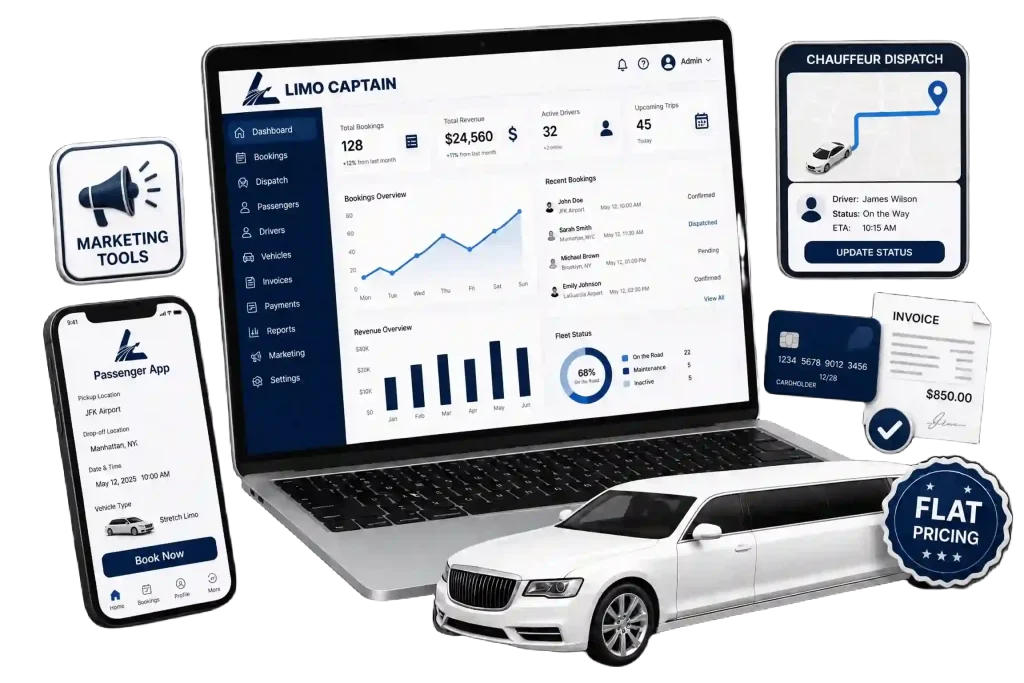
Not all platforms support migration equally. When evaluating the best limo software for your switch, look for:
• Dedicated onboarding and data import support from the provider
• Parallel onboarding period with no additional fees
• Driver app available immediately — not as an add-on or later release
• Automated invoicing — can improve cash flow by 40% versus manual billing
• Real-time GPS tracking that reduces wait times for customers
• No hidden fees as the fleet grows
• Intuitive interface that dispatchers and drivers learn quickly
• Single platform for booking, dispatch, fleet management, and payment processing
Frequently Asked Questions
How Do Limo Operators Switch Software Without Losing Reservations?
Limo operators switch safely by exporting reservation, client, and driver data before cancelling the old platform. Running both systems in parallel for two weeks confirms data accuracy before cutover. The new management software must support a clean data import. Automated notifications and driver app access should be confirmed active before the old platform is deactivated.
What Data Needs to Move When Switching Limousine Software?
When switching limousine software, operators must migrate reservations, client profiles, driver records, and vehicle assignments. Outstanding invoices must also move. Integrated booking tools eliminate duplicate data entry — but only if the original export is complete. Missing data means a driver arrives without a confirmed booking. Or a client receives no notification.
How Does Dispatch Software Handle the Transition Period?
Dispatch software handles the transition best when both old and new systems run in parallel. Enter all new bookings into the new dispatch system while the old platform remains active. Automated dispatch systems assign drivers based on availability, vehicle type, and traffic data. Confirm that driver assignment logic works correctly in the new system before deactivating the old one.
What Should a Limousine Company Look for in New Management Software?
A limousine company switching software needs migration support, a standard driver app, and automated notifications. GPS tracking, automated invoicing, and payment gateway integration are also essential. No hidden fees as the fleet grows is a key requirement. Cloud-based software allows management from any device — essential during a transition across multiple locations.
How Long Does It Take to Switch Limo Software?
Switching limo software typically takes four to six weeks when done properly. The first two weeks cover data audit, export, and import into the new system. Weeks three and four involve parallel running and driver training. The final period is cutover and monitoring. Operators who rush the process risk losing active reservations and disrupting customer communication.
Limo Captain helps limo businesses switch software without losing reservations. Bookings, clients, drivers, and fleet records move cleanly into one platform. Book a free demo today. See how Limo Captain makes switching limo software simple for limo businesses across Canada. Call us: +1 888-545-8881