Location-based clock-in for remote limo drivers uses GPS tracking on a mobile device to verify that a driver is physically on site before recording their start time — replacing paper timesheets, manual entry, and unsecured time clock systems with an automated, tamper-resistant record of employee hours. For any limo business managing a mobile workforce across different job sites, this is the most reliable way to track time accurately, control labor costs, and close every pay period with payroll reports that reflect reality. It shows you when and where your employees clock in
This guide explains how location-based time tracking works step by step, why it matters for remote limo drivers, and how Limo Captain’s built-in workforce management covers clock-in verification natively — without a separate time tracking app, expensive hardware, or cumbersome spreadsheets.
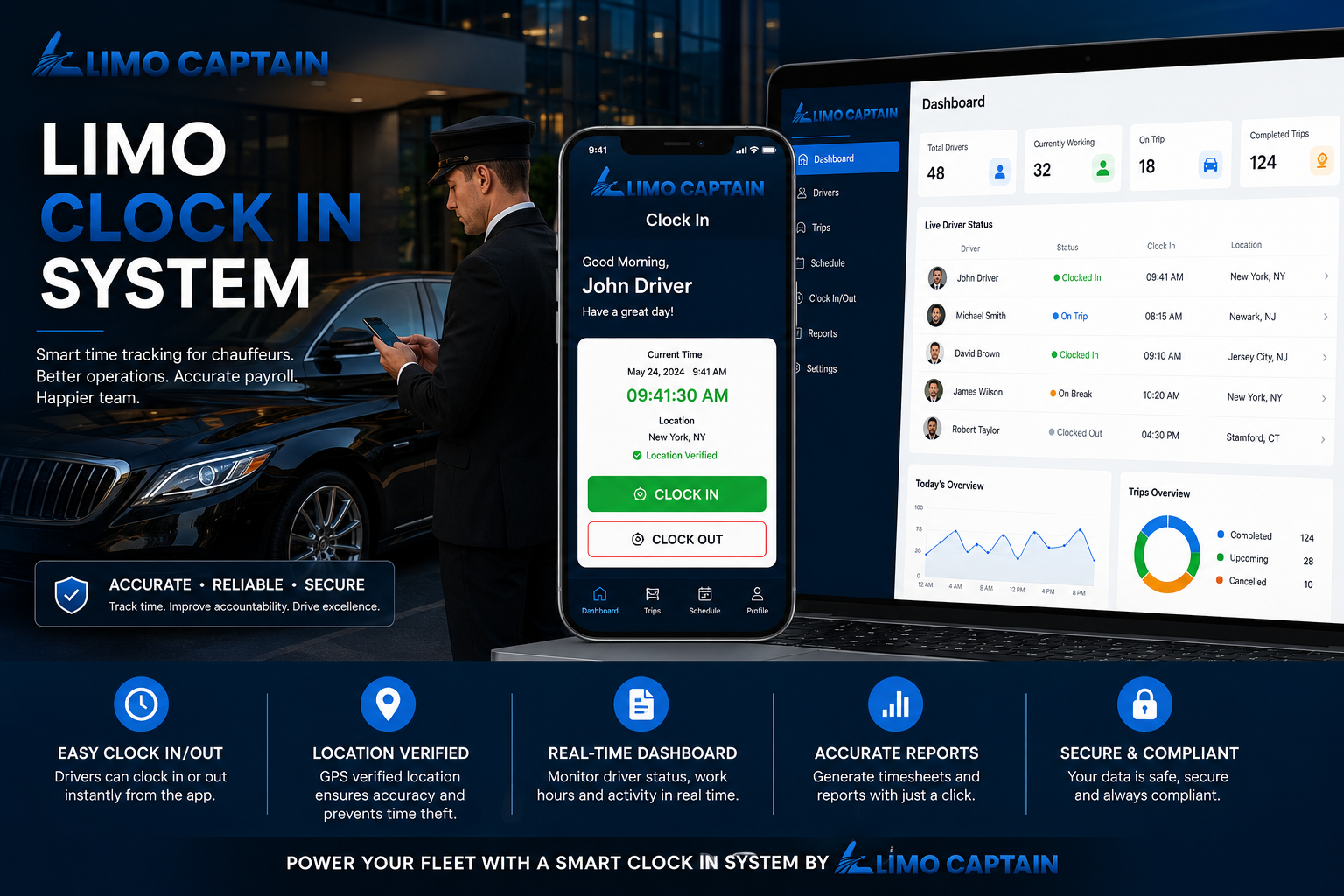
What Is Location-Based Time Tracking?
Location-based time tracking uses GPS and mobile technology to record work hours alongside verified location data — attaching a GPS-verified coordinate to every clock-in and clock-out event rather than simply logging when an employee taps a button. GPS tracking records location data with every clock-in, creating an audit trail for shift verification that paper timesheets cannot replicate.
The core enforcement mechanism is geofencing — a virtual boundary around an approved job site. Geofencing restricts clock-ins to approved locations, blocks clock-ins outside designated areas, and can send reminders when a team member enters an approved zone — reducing missed clock-ins without a manager chasing employees for forgotten start times.
Effective location-based time tracking ensures accountability and on-site presence — critical for mobile workforces where managers must rely on accurate employee data to run the payroll process without errors or disputes. Offline functionality allows time tracking apps to store data without internet.
Labor costs are one of the largest operating expenses for any limo business. Real-time visibility into labor hours helps control costs effectively — and location-based verification is what makes that visibility trustworthy rather than dependent on self-reported hours from drivers working remotely.
Why Remote Limo Drivers Need Location-Based Clock-In
Limo drivers begin their shifts from different job sites throughout the week — a company depot, an airport zone, a hotel, a corporate client office. This makes basic time tracking inadequate. A driver can clock in from home, record paid time before arriving on site, or hand their phone to a colleague for a buddy punch — and a manager relying on manual entry has no reliable way to detect it.
The Problem with Manual Entry and Paper Timesheets
Paper timesheets create two persistent problems: accuracy depends on drivers self-reporting hours honestly — even well-intentioned drivers misremember times — and they generate administrative work: chasing timesheets at pay period end, manually re-entering hours, and correcting payroll mistakes from wrong totals or illegible handwriting.
Automated time tracking saves managers 20 hours monthly on average. When hours are tracked automatically with GPS verification, there are no timesheets to chase, no employee data to re-enter, and no payroll errors that create disputes with drivers over pay.
Time Theft and Buddy Punching in Remote Teams
Time theft and buddy punching are harder to detect in remote teams than in fixed offices. GPS tracking helps prevent both by confirming that the person clocking in is physically at the approved location. Without location tracking, a driver can record hours from home or ask a colleague to clock in before they arrive.
Geofencing prevents buddy punching in field teams by ensuring only a device physically inside the approved boundary can register a valid clock-in.
Prevent Early Clock-Ins Across Multiple Job Sites
Early clock-ins — drivers starting their timer before reaching the job site — are among the most common and costly attendance problems in mobile workforces. Location-based systems prevent early clock-ins automatically by rejecting any clock-in from outside the approved geofence, regardless of what time it is submitted. This enforcement removes the need for a manager to manually verify on-site presence.
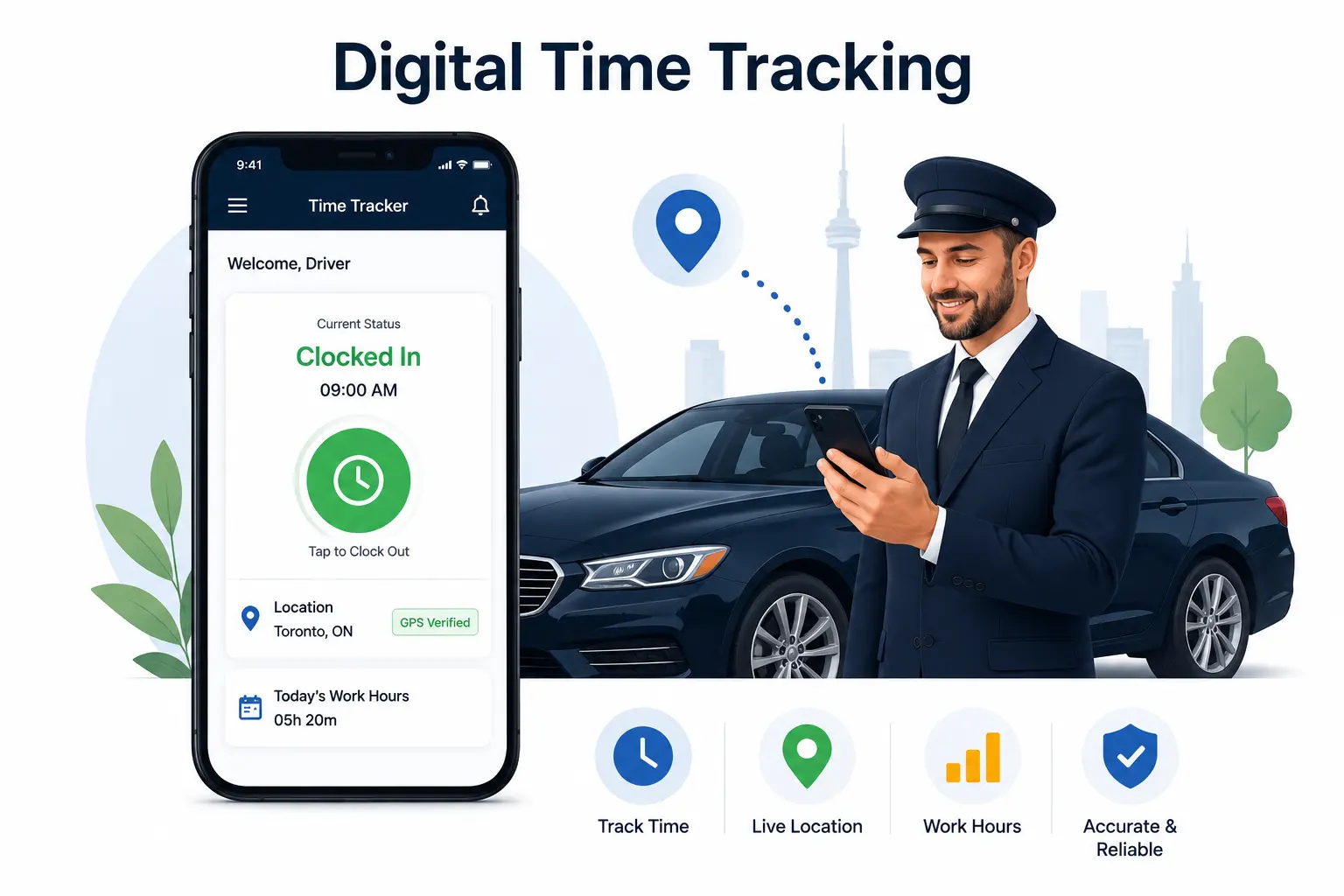
How Location-Based Clock-In Works for Limo Drivers
Step 1: Configure Approved Locations
Administrators define approved locations by entering an address and setting a geofence radius. A limo business with multiple job sites configures each location separately within the same system — one-time setup that applies automatically to every subsequent clock-in.
Step 2: The Driver Clocks In from Their Mobile Device
When a driver arrives at an approved location and taps to clock in, the app captures GPS coordinates and checks them against the configured geofences. If within an approved zone, the clock-in is accepted with the verified location recorded. If outside all approved zones, the clock-in is blocked until the driver is on site.
The driver experience is one tap — GPS verification happens in the background without friction. Employees can clock in from a mobile app on any device without expensive hardware at the job site.
Step 3: Photo Capture Confirms Identity
Photo capture is an optional layer that adds meaningful security without requiring any additional hardware — the camera built into the driver’s mobile device handles it automatically.
Photo capture takes an automatically timestamped image at clock-in. Combined with GPS data, it makes buddy punching significantly harder — a colleague at the correct location cannot impersonate a driver when a photo is recorded. Connecteam’s GPS tracker attaches a location stamp to each clock-in; photo capture alongside it creates a complete, auditable attendance record.
Step 4: Clock Out and Automatic Hour Calculation
When the shift ends, the driver clocks out through the same app. The system records end time and location, calculates total hours using the driver’s assigned pay rates, and adds the completed shift to the time card for the pay period. Tracking hours and locations provides a complete audit trail covering both ends of every shift.
Offline functionality allows time tracking apps to store clock-in and clock-out data without an internet connection and sync when connectivity is restored. For limo drivers who pass through areas with limited signal, this means no hours are lost, and the GPS verification record is preserved regardless of internet connection status at the time of the event.
Step 5: Payroll Reports Without Administrative Work
This final step is where the value of GPS verification compounds — because verified hours are immediately payroll-ready, there is no correction cycle between attendance data and payroll processing.
At pay period end, payroll reports are generated automatically — total hours by driver, earnings per work type, and payout summaries ready for processing. No timesheets to collect, no cumbersome spreadsheets to reconcile, no payroll mistakes from manual re-entry. The entire cycle from clock-out to payroll-ready data happens without any administrative work.
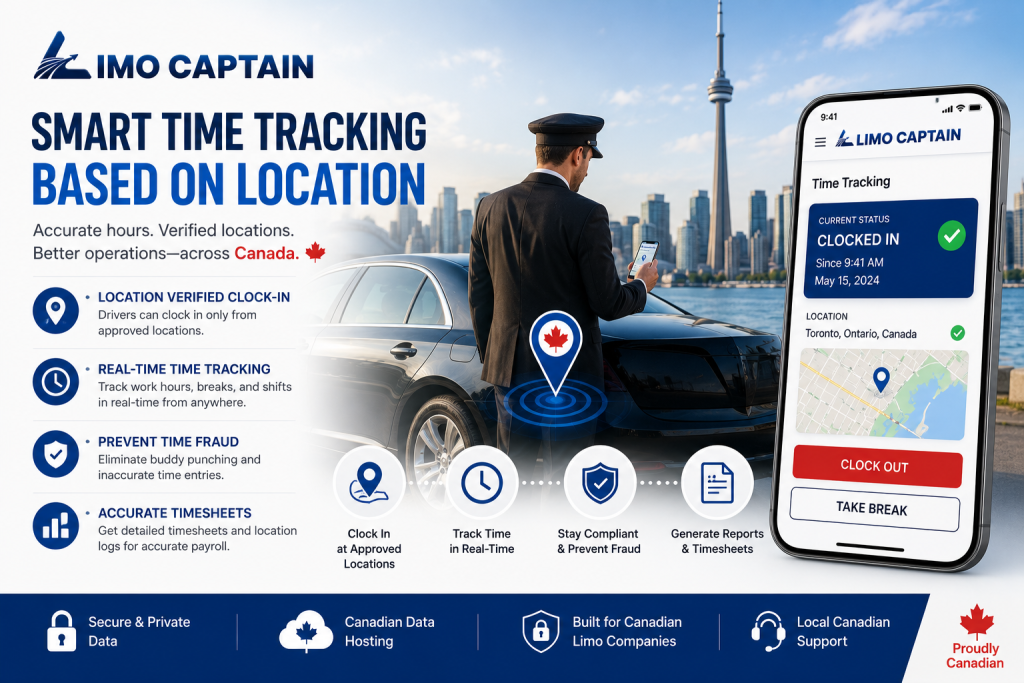
How a Limo Captain Handles Location-Based Clock-In
Limo Captain includes location-based workforce management built directly into the platform — no separate time tracking app, no GPS time clock subscription, no payroll integrations to configure. Location-verified clock-ins, automatic hour calculation, pay rates, and payroll reports all operate alongside bookings, dispatch, and billing in one system.
Three Clock-In Restriction Options
Each restriction mode can be applied selectively — different drivers or driver groups can operate under different rules depending on their role and location requirements.
Limo Captain administrators can configure clock-in restrictions per driver or across the whole team:
• No restriction — drivers can clock in from anywhere. Suitable for trusted teams or situations where location flexibility is the priority.
• IP-based restriction — clock-ins are only accepted from one or multiple approved IP addresses. Useful for drivers starting shifts from a fixed office or depot with a known network connection.
• Geo-location-based restriction — clock-ins are only valid within a defined radius around one or multiple approved locations, verified using the driver’s mobile device. This is the location-based GPS verification option that prevents early clock-ins and buddy punching without expensive hardware.
The geo-location option supports multiple locations simultaneously — depot, airport terminals, and corporate sites in one setup, giving drivers flexibility across job sites while keeping every clock-in verified and auditable.
Work Types and Pay Rates Per Clock-In
When a driver clocks in, they select their work type — Sedan Driver, SUV Driver, Special Vehicle Driver, Office Staff — each with its own pay rate. Every clock-in becomes a complete shift record: who worked, where, in what role, at what rate. Total hours are calculated at clock-out and fed directly into payroll reports with no manual steps.
Payroll and Reporting Built In
Payroll, payout, and work-hour reports are available in the admin dashboard covering driver hours by pay period, earnings per work type, and payout summaries. Because attendance, bookings, dispatch, and billing live in one platform, managers have complete operational visibility in one system — real-time insight into labor hours alongside booking volume and fleet data.
Frequently Asked Questions
What is location-based time tracking?
Location-based time tracking uses GPS and mobile technology to verify that employees are physically at an approved job site before recording their start time. GPS tracking records location data with every clock-in and clock-out, creating a verifiable audit trail. Geofencing creates virtual boundaries around approved locations so employees can only begin recording paid time when within the defined zone.
What is a time clock app, and how does it work for remote limo drivers?
A time clock app allows employees to clock in and clock out from their phones. For remote limo drivers, it verifies GPS location at the moment of clock-in — confirming on-site presence before the timer starts. The app records start time, GPS coordinates, and work type, then calculates total hours at clock-out and feeds the completed shift directly into payroll reports.
How do I track employee hours across multiple job sites?
Location-based systems support multiple approved locations within a single configuration — each job site defined as a separate geofence. Drivers can clock in from any approved zone while the system blocks clock-ins from everywhere else, keeping all job sites under the same attendance policy.
How does location tracking prevent time theft and buddy punching?
Location tracking prevents time theft by requiring physical presence at an approved zone before a clock-in is accepted. GPS tracking prevents buddy punching by confirming that only the person at the correct location can register a valid clock-in. Photo capture adds identity verification — confirming the right driver is recording the shift, not just the right phone.
How does location-based clock-in reduce labor costs?
Location-based clock-in reduces labor costs by eliminating time theft, preventing early clock-ins, and producing accurate employee hours. Accurate time tracking reduces payroll errors significantly — every incorrectly recorded hour inflates the payroll bill. Real-time visibility into labor hours helps managers adjust scheduling before costs escalate rather than discovering discrepancies after the pay period closes.
What time tracking software supports GPS verification for small businesses?
Several time tracking software options include GPS features – they all offer location-based clock-in at various paid plans. For limo businesses, the most effective solution integrates GPS clock-in with driver management and payroll reporting in one system. Limo Captain provides this as a built-in feature alongside booking and dispatch management.
How does the payroll process work with location-based time tracking?
With location-based time tracking, hours are tracked automatically from clock-in to clock-out, total hours calculated by the system, and stored against each driver’s time card. Payroll reports are generated from verified data — hours by driver, work type, and pay rate — without manual re-entry. This eliminates wrong hour totals, incorrect pay rates, and missing timesheets as sources of payroll error.
Giving Your Limo Business Accurate, Verified Driver Hours
The shift from paper timesheets to GPS-verified digital attendance is not just a technology upgrade — it is a structural change in how accurately a limo business can manage its workforce and close its pay period with confidence.
Location-based clock-in confirms that logged hours were actually worked, from the right location, by the right driver. GPS verification, geofencing, and photo capture turn a simple clock-in into a complete attendance record — and automated hour calculation turns that into accurate payroll data without the administrative work that paper timesheets require. At the same time communicating data privacy policies is crucial when using location-tracking software.
For limo businesses that want GPS verification, driver management, and payroll reporting in one platform — without integrating a standalone time tracking app with a separate booking system — Limo Captain handles the entire process from clock-in to payroll-ready report in one place.
Limo Captain’s geo-location clock-in restriction is a built-in feature — not an add-on. Book a free demo to see how location-based attendance, payroll automation, and booking management work together in one platform.
Editorial Note
This blog post was prepared by the Limo Captain Editorial Team in June 2026. Limo Captain is the publisher of this content.